
We've moved
ERP tickets now live in UnifyOS
All ERP bugs and change requests are now logged through UnifyOS. Raise new tickets there
and track their status under My tickets.
or visit unify-os.ai
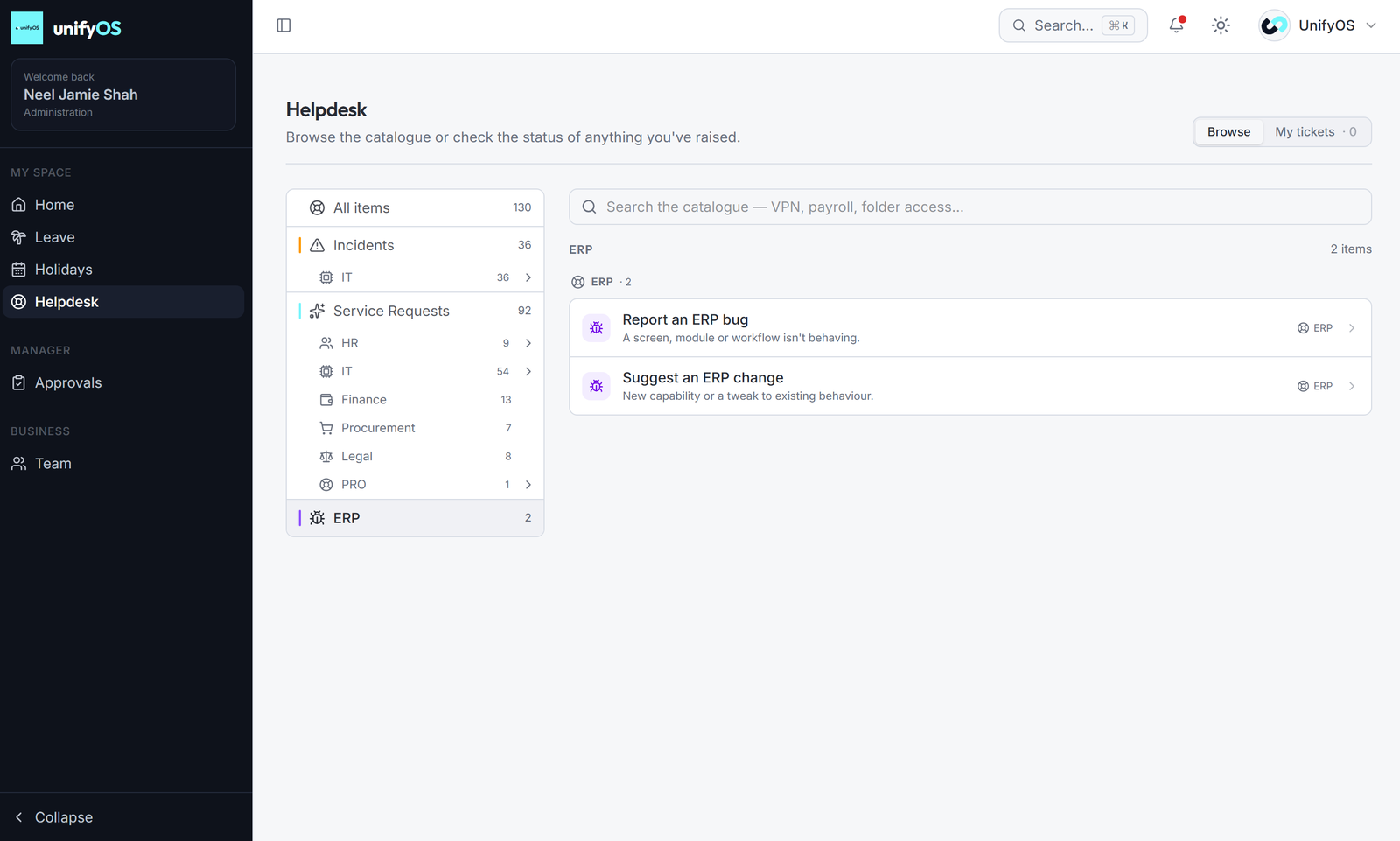
Where to find it in UnifyOS
- 1Sign in to UnifyOS at unify-os.ai
- 2Open Helpdesk from the left-hand menu
- 3Choose ERP in the catalogue
- 4Pick Report an ERP bug or Suggest an ERP change
Unify Help Desk · ERP Support